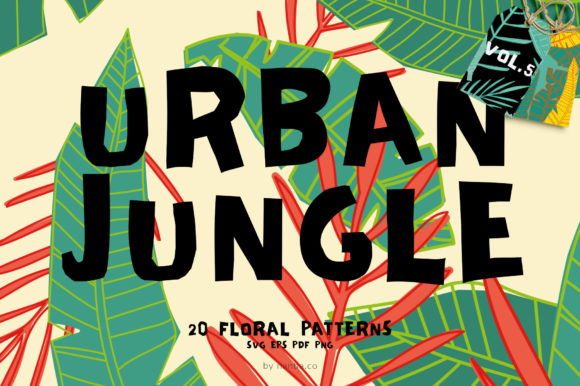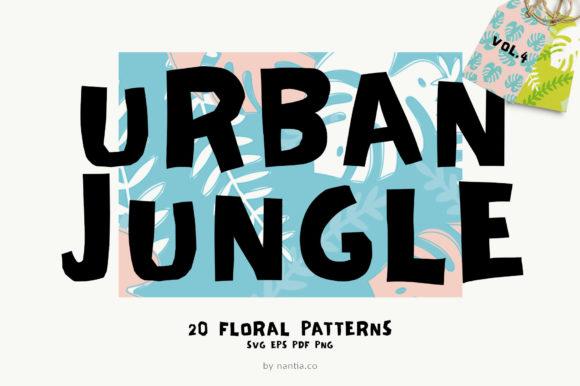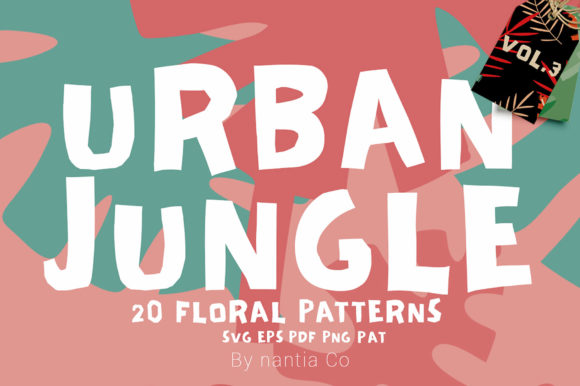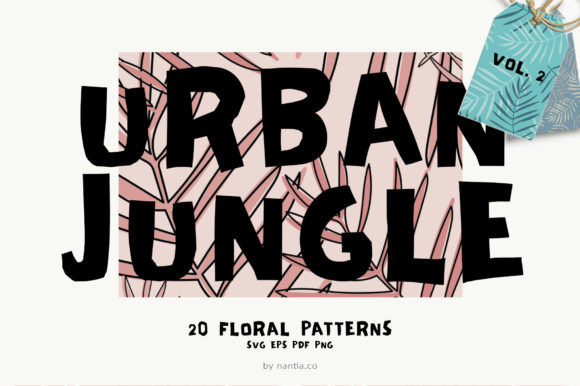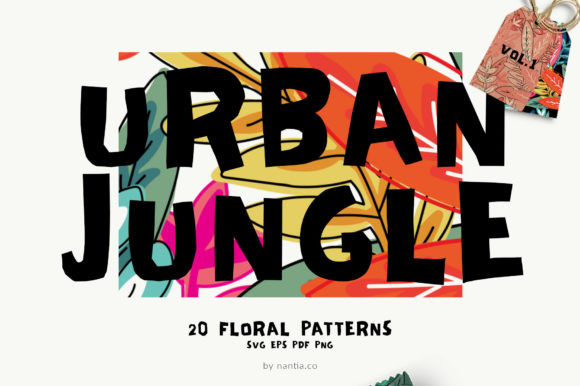
100 Patterns Urban Jungle Bundle
Imagine opening a digital toolbox filled with 100 rich, hand-crafted vector patterns—each one alive with urban energy and jungle texture. The 100 Patterns Urban Jungle Bundle isn’t just another collection of repeats; it’s a versatile, editable foundation for visual storytelling across mediums. Whether you’re designing a blog header, prepping Instagram story templates, printing fabric for a small-batch clothing line, or wrapping eco-friendly product packaging, these patterns offer rhythm, contrast, and personality without demanding advanced design skills.
What You Actually Get—No Guesswork
This bundle delivers everything in clean, production-ready formats: 100 individual PDF, EPS, SVG, and PNG files—all in RGB—and even PAT files for Photoshop users. Every pattern is seamlessly tileable, meaning it repeats smoothly edge-to-edge with no visible breaks. Because they’re built in vector format, you can scale them infinitely, recolor them in seconds, or tweak individual elements in Illustrator or Affinity Designer. No raster distortion. No licensing surprises. No need to trace or redraw.
Why Format Choice Matters—Depending on Your Workflow
- Beginners often start with PNGs—they drop right into Canva, PowerPoint, or social media tools without setup. A blogger might grab a muted green-and-concrete pattern for a newsletter background and be done in under two minutes.
- Freelancers and small business owners lean on EPS and SVG for client deliverables—scalable, print-safe, and compatible with most professional workflows. A branding designer could embed one of the patterns into a client’s label template, then adjust stroke weights or saturation to match brand guidelines.
- Textile and product designers rely on PAT files and seamless vectors for repeat swatches in Adobe Illustrator’s Pattern Editor. One user recently adapted a brick-and-fern motif for tote bag linings, adjusting spacing and color balance to suit cotton canvas versus recycled polyester.
Different Needs, Different Priorities
How someone evaluates the 100 Patterns Urban Jungle Bundle depends less on what it *is*, and more on what they’re trying to *do*—and how much time, confidence, or infrastructure they have.
A teacher creating classroom posters values clarity and speed. They don’t need full vector control—just something that looks intentional and fits a “city meets nature” unit theme. For them, the ready-made PNGs with high contrast (like charcoal grunge overlaid with monstera silhouettes) are ideal. They open one file, drag it into Google Slides, and move on—no tutorials, no layers to manage.
A freelance packaging designer working with sustainable skincare brands cares about precision and flexibility. They’ll use the EPS files to align patterns precisely with dielines, change Pantone colors to match ingredient-based palettes (e.g., clay beige + sage), and test tiling behavior at actual print size. For them, the bundle’s consistency—same grid logic, same export standards across all 100 files—is as valuable as the designs themselves.
A hobbyist embroiderer uses the SVGs as base outlines for digitizing motifs onto fabric. They isolate a single leaf cluster from a larger jungle-repeat file, simplify anchor points, then import into embroidery software. That level of modularity wouldn’t be possible with flattened JPEGs—or even layered PSDs.
Color, Not Just Pattern
The bundle includes many color variations—not just different hues, but thoughtful combinations rooted in real-world contexts: subway-tile blues and warm terracotta, concrete grey with neon coral accents, matte black and kraft brown for minimalist apothecary labels. This matters because color isn’t decorative here—it’s functional. A wellness coach launching a digital course might choose a soft mist-blue + eucalyptus-green repeat for their sales page background: calming, cohesive, and subtly on-brand. Meanwhile, a streetwear brand testing limited-edition stickers might go bold with asphalt black + electric lime—something that pops against matte vinyl.
And because every file is vector-based, swapping colors takes seconds—not hours. No need to hunt for hex codes or re-export layers. Just select, recolor, and save.
When It Fits—and When It Might Not
This bundle shines when you want expressive, cohesive texture without building from scratch. It’s especially helpful if you’ve ever spent an hour trying to get a diagonal brick pattern to align perfectly—or struggled to make a leaf motif feel “urban” instead of “botanical garden.”
It’s less ideal if your work demands photorealistic textures (like weathered metal or cracked plaster), ultra-minimal single-line repeats, or culturally specific motifs requiring deep contextual knowledge. It also assumes basic comfort with opening vector files—even if you’re just using them as static assets. If you’ve never opened an EPS before, a quick 5-minute YouTube search for “how to place EPS in Canva” or “open SVG in Figma” will bridge that gap.
For educators building lesson kits, the value lies in variety and reuse: one pattern can become a worksheet border, another a slide deck texture, a third a student handout header—all while maintaining visual continuity. For podcasters designing merch, the PNGs work instantly in Printful or Gelato upload flows, letting them test a jungle-grid hoodie design before committing to inventory.
A Note on Long-Term Use
Unlike trend-driven assets that age quickly, these patterns balance contemporary rhythm (grids, asymmetry, mixed scales) with timeless structure (balanced negative space, grounded proportions, restrained palettes). That means a pattern used for a 2024 launch email banner can still feel intentional in a 2026 annual report—especially once recolored or layered with new typography.
And because all files are yours to keep—no subscriptions, no expiring licenses—you’re not renting inspiration. You’re adding durable, adaptable tools to your creative infrastructure. Whether you use three patterns this month or thirty over the next two years, the bundle grows with your confidence and scope.